
Quick Summary

- Face Recognition Attendance Software enhances attendance monitoring by verifying employee identity, reducing fraud, and automating payroll processes.
- The system captures attendance time and location, providing managers with real-time visibility and accountability for field teams.
- Key features include offline attendance support, liveness detection, and geo-coded attendance, ensuring accurate records even in remote areas.
- Choosing the right software involves assessing features, user reviews, scalability, and pricing to meet business needs effectively.
This blog explains the concept of face recognition attendance software. We will also explore how it enhances attendance monitoring for field teams.
Managing attendance of scattered field teams is not easy. Managers lack concrete ways to verify the one who marked attendance. Moreover, traditional methods like timesheets are easy to manipulate. This leads to buddy punching, false mark-ins, attendance problems, and payroll mistakes. GPS attendance systems are not foolproof, either. It can show where attendance was marked, but it cannot always confirm who marked it.
An AI-enabled face recognition attendance software solves this problem. It verifies employee identity before attendance is recorded. So, managers can ensure more accurate and trustworthy attendance records. On that note, let’s explore what face recognition attendance software is, how it works, and how to choose the right solution.
What is Face Recognition Attendance System?
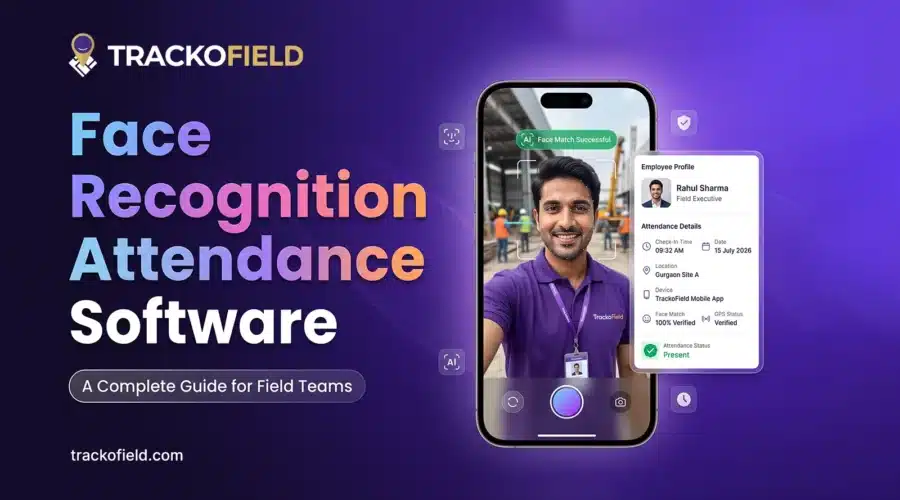
Face recognition attendance system uses face recognition technology to verify an employee’s identity. It then records their attendance. Employees simply scan their faces through a mobile app or device. The system compares the image with the employee’s registered profile and records attendance after a successful match.
Modern software also captures attendance time and location. So, managers have better visibility into when and where attendance was marked. Field employees can mark attendance directly from customer sites and job locations.
Why is Face Recognition Attendance Software Important?
Face recognition attendance software helps businesses reduce attendance fraud. It also automates payroll and improves workforce security.
The importance of accurate attendance records goes far beyond tracking employee’s working hours. Businesses rely on attendance data for payroll processing and compliance reporting. It also improves workforce planning and productivity.
This is the reason why businesses pay more attention to attendance verification. This shift is visible not only in businesses but also in public sector initiatives. Indeed, the government of Andhra Pradesh has adopted AI-based facial recognition for NREGS. They are looking to solve attendance problems and to increase transparency.
The move highlights a growing reality. Attendance records are only valuable when they can be trusted. As companies manage more distributed teams, verifying employee identity is becoming more important. It is no longer enough to simply record attendance.
How Does Face Recognition Attendance Software Work?
Face recognition attendance software works by matching an employee’s face with their former record available in the database.
- The employee scans their face through a mobile app or attendance device.
- The software compares the live image with the existing profile of the employee.
- If the match is successful, attendance is recorded automatically.
- The system records the attendance time and location for verification.
Managers can view the attendance records in a centralized dashboard.
5 Key Features of a Facial Recognition Attendance Software?
Common features of a reliable face recognition attendance system are real-time attendance tracking, liveness detection, and offline attendance support. Keep reading to know in detail.
AI-Powered Face Verification for Field Teams
1. Real-Time Attendance Visibility
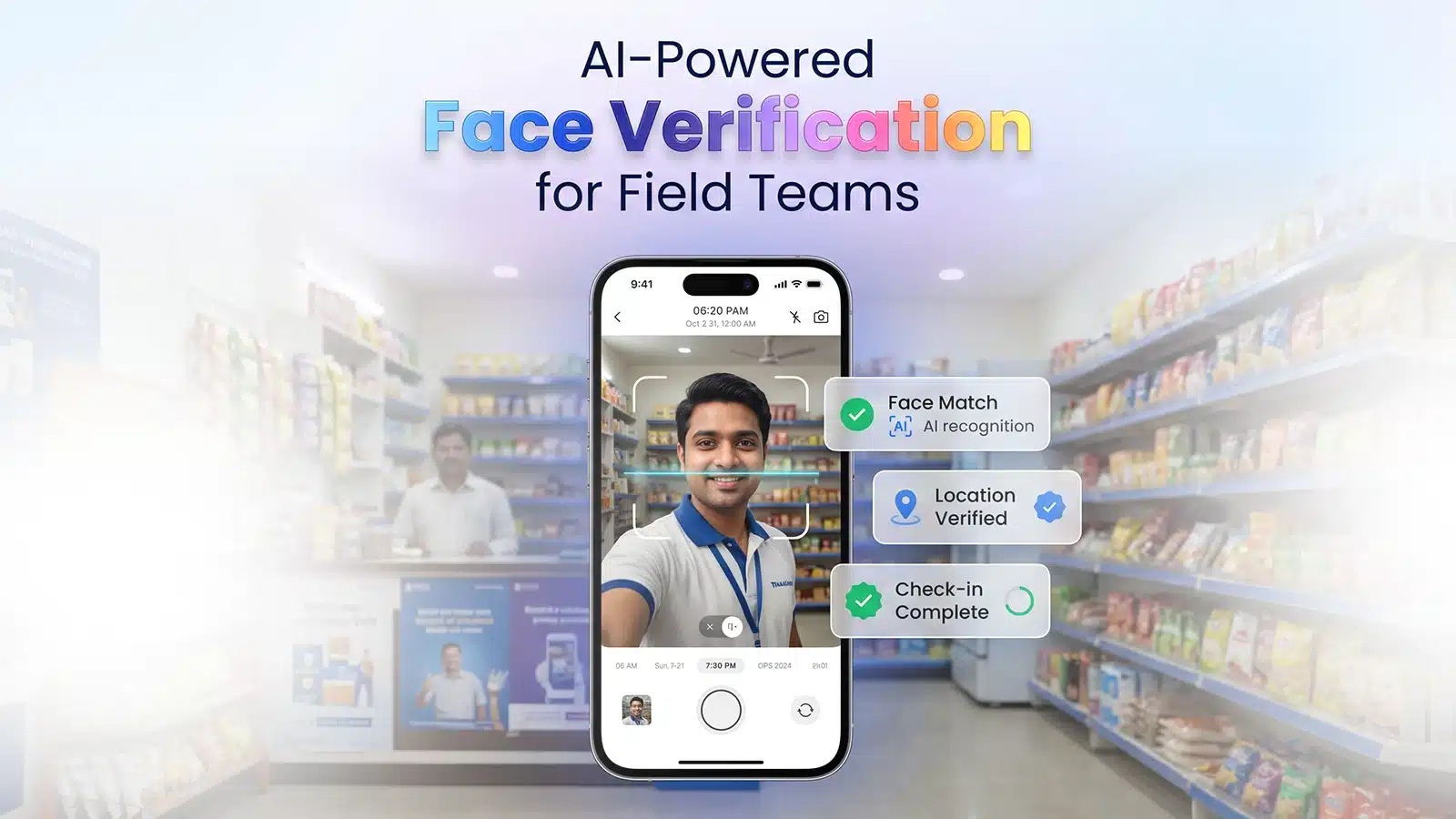
When teams work across multiple locations, managers need timely attendance data. This helps them maintain operational control. Real-time attendance tracking updates attendance records the moment an employee checks in.
Each entry includes the employee’s location, timestamp, and face verification details. This creates a reliable attendance trail. The system can also send instant alerts for unrecognized or suspicious attendance entries. Managers can:
- Prevent proxy attendance and buddy punching
- Track employee attendance activity in real time
- Review check-in records with location and timestamp
2. Liveness Detection and Anti-Spoofing
A face scan is only useful if the system can confirm that a real person is present. Liveness detection verifies that an employee is physically present during the attendance.
Plus, anti-spoofing checks help block attempts made using photos, videos, or screenshots. It helps managers to:
- Prevent fake visits and attendance fraud
- Block photo and video-based mark-ins
- Improve attendance accuracy
3. Geo-Coded Attendance
Attendance records become more reliable when they are linked to a specific location. Geo-coded attendance captures the employee’s location during check-in. It verifies whether attendance was marked from an approved work site.
This way managers can ensure employees are reporting from the right location. In short, it helps businesses:
- Verify worksite attendance
- Improve location accountability
- Reduce location-related dispute
4. Offline Attendance Record
Advanced face recognition attendance app allows employees to mark attendance even without internet. This is useful for field workers who often work in remote or low-network zones. The data gets synced when the internet is restored.
It helps managers to:
- Maintain attendance in low-network areas
- Reduce missed or failed attendance records
- Improve visibility across remote areas
5. Attendance Report
Managers need attendance records for payroll processing, compliance reviews, and daily workforce monitoring. Attendance reports provide a complete view of employee attendance. This includes check-in time, location, and verification details.
This makes it easier to review attendance history and identify discrepancies. Also, businesses can maintain accurate workforce records. It helps managers to:
- Access attendance records in one place
- Verify attendance before payroll processing
- Simplify compliance and audit reviews
7 Benefits of Face Recognition Attendance Software for Businesses
Faster attendance mark-in, verified attendance, and offline accessibility are the major benefits of using a face recognition system.
1. Reduced Buddy Punching
Buddy punching is one of the most common attendance issues in many businesses. It happens when one employee marks attendance on behalf of other. This is often seen with manual registers, punch cards, and traditional attendance methods.
FR attendance system solves this by verifying the employee before attendance is recorded. Employees need to scan their faces when marking attendance. Attendance is recorded only when the face matches the employee’s registered profile. Managers also receive alerts if someone else tries to mark attendance.
2. Faster Attendance Mark-ins
Field employees can mark attendance within seconds using a simple face scan. There is no need for manual registers, punch cards, or lengthy attendance processes. It offers a simple one-tap mark-in for logging attendance.
3. Contactless Mark-in/Mark-out
Field employees can simply mark attendance by looking at the camera. This makes attendance logging quicker and more convenient. It is especially useful for businesses with large workforces. It also reduces dependency on shared attendance devices.
Managers can:
- Enable touch-free attendance marking
- Reduce dependency on shared devices
- Speed up attendance collection
4. Improved Attendance Accuracy
Attendance disputes are common when records are maintained manually. Employees may claim they were present. Managers may have a different record. Verifying what actually happened often takes time.
Face recognition creates a verified attendance record for every check-in. The system records the employee’s identity, attendance time, and location automatically. This gives managers a more reliable attendance trail. Also, they can reduce disputes during attendance reviews and payroll processing.
5. Simplified Payroll Process
Attendance data plays a direct role in payroll calculations. When records are incomplete and stored in different formats, HR teams often spend days checking attendance data. This can delay salary processing.
A face recognition attendance software keeps attendance records updated automatically. Advanced systems also integrate with HRMS and payroll software. So, attendance data flows directly into payroll calculations.
This way managers can reduce manual effort and help compute paychecks on time.
6. Better Transparency and Control
Face recognition attendance app gives managers better control over how and where attendance is marked. They can define approved attendance locations using geofences. Also, it verifies whether employees checked in from the right place.
Managers can also review attendance records and location details whenever required. This makes attendance monitoring more transparent and easier to manage.
7. Improves Accountability
Attendance information is more valuable if managers can identify trends over time. Facial recognition attendance software generates attendance reports daily, weekly and monthly. Managers can monitor absenteeism and irregular attendance.
This makes it easier to identify recurring issues. So, managers can take corrective action before they affect operations.
Face Recognition Attendance Software: Challenges and Solutions to Overcome Them
Common challenges of face recognition systems are privacy concerns, poor network, and integration with other systems. Below we have discussed each in detail along with the solutions.
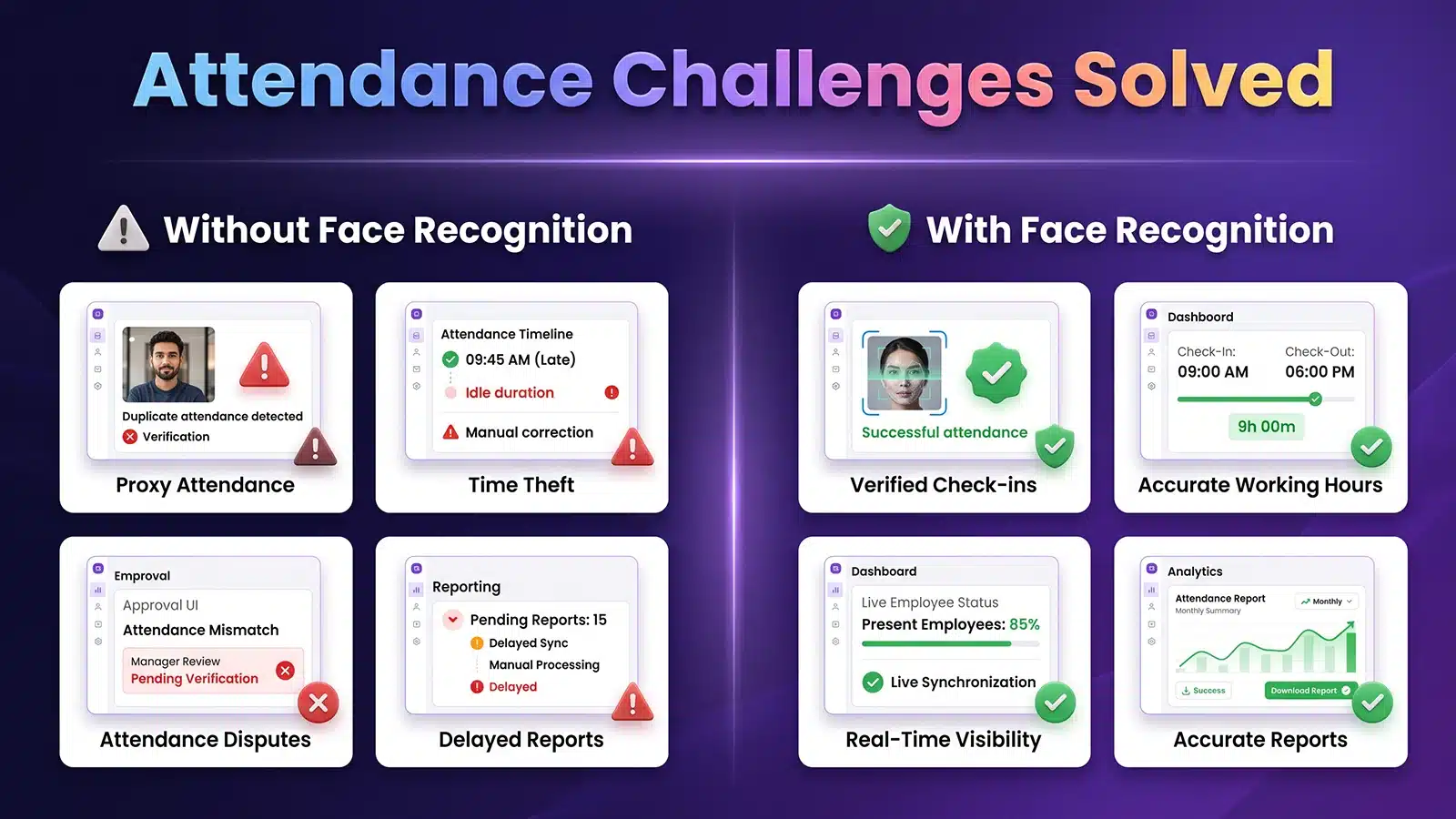
Overcoming FR Attendance Challenges
1. Poor Network in Remote Areas
Many field agents work in locations where internet connectivity is unreliable. This can make attendance marking difficult. Especially for teams working in rural areas, construction sites, warehouses, or customer locations.
The good news is software with offline tracking features solves this challenge. It allows employees to mark attendance even without the internet. The data automatically syncs to the dashboard once the internet is back.
2. Privacy Concerns
Some employees may initially have concerns while using a facial recognition attendance app . They may have concerns about how their facial data is collected, stored, and used.
To solve this challenge, businesses can make their attendance policies transparent. It is also important to choose software that stores data securely and follows industry security standards.
3. Integration with Other System
Many businesses already use software like HRMS and payroll system to manage attendance records. Attendance data needs to flow into these systems smoothly. If it does not integrate well, the HR teams end up downloading reports and updating things manually. That takes time and leads to mistakes.
Businesses can solve this by choosing a software that offers easy integration with existing systems. So, attendance data flows directly without extra steps. This helps them to ensure accurate payroll.
4. Employee Adoption and Training
New attendance systems take time for employees to get used to it. Some field staff may continue using old habits like manual check-ins or phone calls to mark attendance. This can slow down adoption in the early stages and create confusion in daily field operations.
Businesses can handle this by keeping the process simple and providing basic training at the start. Once employees understand how face recognition attendance works, they usually adapt quickly.
5. Delayed Response to Attendance Issues
Several attendance problems are noticed only at the end of day or during payroll processing. By then, it becomes difficult to verify what actually happened on the ground.
Instant alerts solve this by notifying managers in real time. They get notified when something unusual happens during attendance marking. This could be an unrecognized face, failed verification, or a suspicious attempt. Managers can act immediately instead of waiting for reports.
Advantages and Disadvantages of Face Recognition System
| Advantages | Disadvantages |
| Prevents buddy punching with identity checks. | Requires proper face registration during setup. |
| Speeds up attendance marking process daily. | May fail in poor lighting or unclear conditions. |
| Provides real-time attendance visibility. | Some employees need time to adapt initially. |
| Links attendance with location and time data. | HRMS integration may need an initial setup effort. |
| Supports offline attendance in no network field areas. | Privacy concerns in some organizations exist. |
| Improves payroll accuracy and reduces disputes. | Attendance errors can occur if data is not captured properly. |
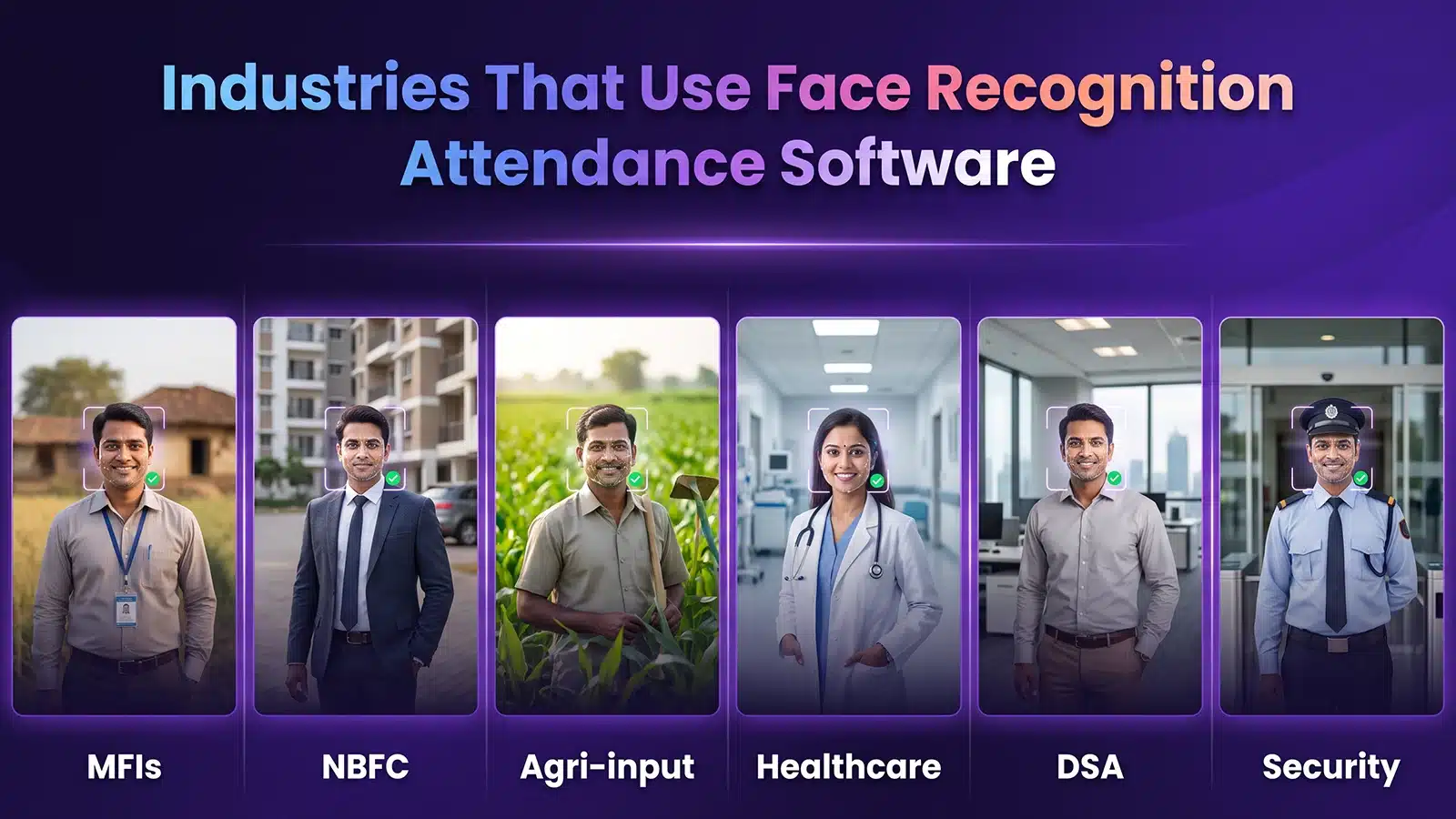
Industries using FR Software
How to Choose the Right Face Recognition Attendance Software?
While choosing a face recognition attendance software, businesses should look for features, user reviews, and pricing. Here is a detailed checklist for you to choose the right software for your business.
1. Features
Check the core features the software offers. It should include real-time attendance tracking, offline support, geo-coded attendance, and instant alerts. These are the basics needed for both field and office teams.
2. User Reviews and Experience
Check out what existing industry users say about the software. Look for feedback on accuracy, ease of use, and how well it works in real field conditions. Real user experience often shows issues that are not visible in product demos.
3. Scalability
The software should scale with your growing teams. Whether you have 50 employees or 5,000, attendance should remain smooth without delays or system issues.
4. Pricing
Pricing should match your team’s size and usage needs. Look for different pricing plans like monthly and annual to ensure value for money. Also consider long-term value, not just the starting price. The best thing would be to onboard a software with trackofield custom pricing based on features you need.
Conclusion
Face recognition attendance software helps businesses move away from manual attendance systems. This reduces errors, disputes, and delays in payroll processing. It allows managers to get a clear view of attendance for both office and field teams. So, they can reduce issues like buddy punching and missed entries.
Features like real-time tracking, offline support, geo-coded attendance, and instant alerts make the system more practical for daily operations. Field force management software like TrackoField offers these features in one dashboard. It is driven by visual and location intelligence. Face verification confirms who marked attendance. While the location data verifies where it was marked. This helps businesses improve attendance accuracy, strengthen compliance, and reduce attendance fraud.
Managers can also access unrecognized attendance reports. They receive alerts for suspicious attendance attempts. So, managers can maintain better visibility and control over workforce operations.

Frequently Asked Questions
-
Is face recognition attendance better than biometric attendance?
Yes, face recognition attendance is better than biometric attendance, especially for field teams. Employees can mark attendance from customer’s site or job location. They do not have to visit the branch. It also helps managers to reduce buddy punching and fake visit entries.
-
Which is the best software for face recognition attendance?
The best software depends on your business needs and team size. It should support real-time attendance tracking and offline marking. Plus look for accurate face verification for field and office teams. However, TrackoField is a leading name in the industry. It combines face recognition attendance with GPS tracking and offline support. At the same time, it offers HRMS integration in one system.
-
Is face recognition attendance secure?
Yes. Face recognition attendance is secure. It only records the attendance of an employee after verifying the face. This eliminates the chances of fraud and proxy mark-ins. Along with that, advanced face recognition software store data in a secured format and allows access only to authorized users.
-
Can remote employee mark attendance by using face recognition?
Yes, absolutely! Remote employees can easily mark attendance by using face recognition. They just need a device with the app installed. They can mark attendance from their work location, whether it is a customer site, field location, or remote office. The system verifies their identity through face scan before recording attendance.
-
How accurate is face recognition attendance?
Face recognition attendance is generally highly accurate when the system is properly set up. It matches employee facial with their stored profile prior to marking attendance. Lighting, camera, and face registration can impact accuracy. In modern systems, these problems are minimized through better algorithms and liveness detection. Overall, it provides more reliable results compared to manual or proxy-based attendance methods.

Parul is a content writer with 2+ years of experience in B2B and SaaS domains. She creates clear, actionable content for TrackoBit and TrackoMile, focusing on fleet management, last-mile delivery, and... Read More


Related Blog
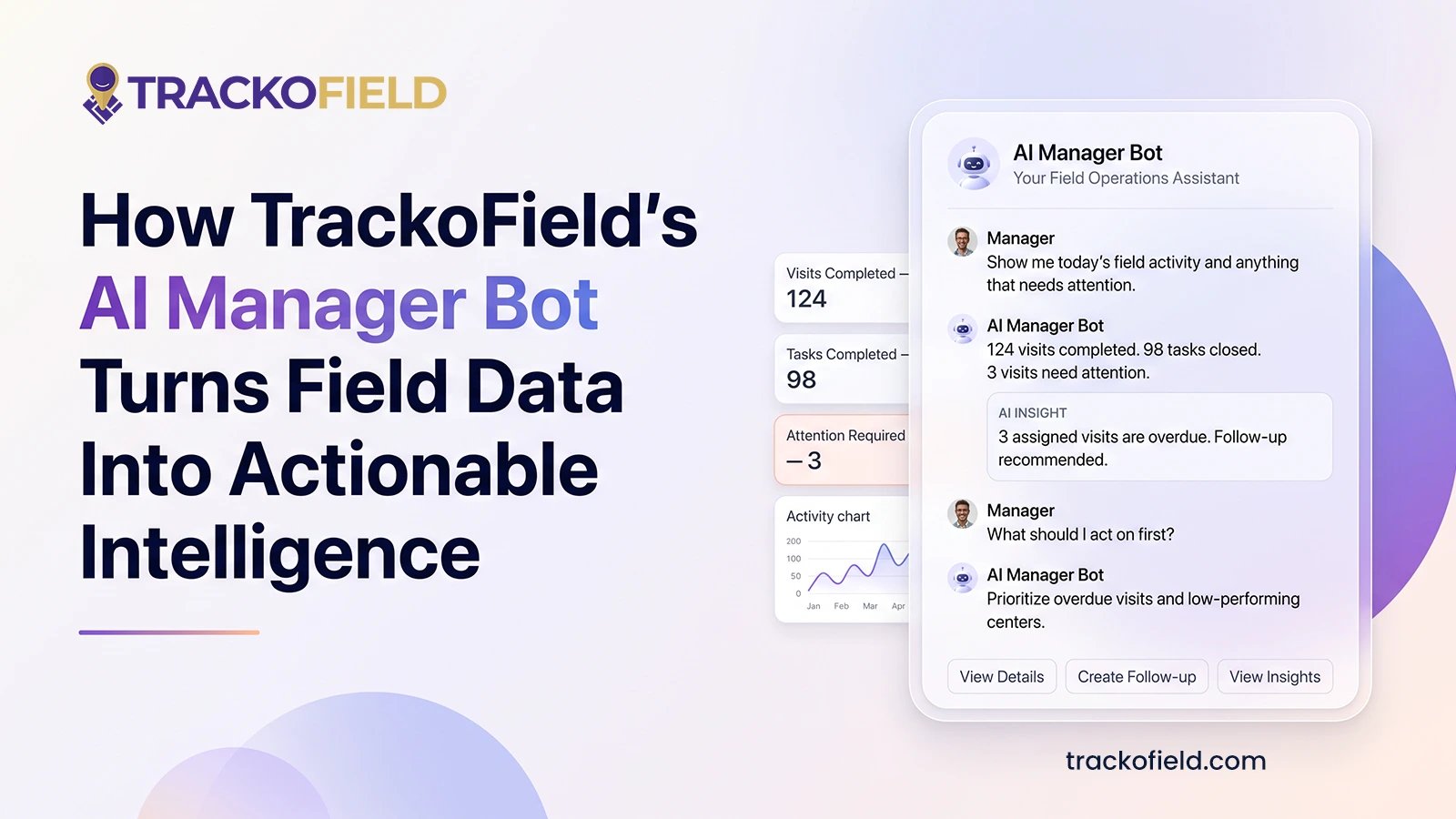
TrackoField’s Manager Bot: Bringing the Future of Field Force Intelligence to You Today
TrackoField’s AI Manager Bot transforms field force management into field force intelligence by turning operational data into instant AI-powered insights.
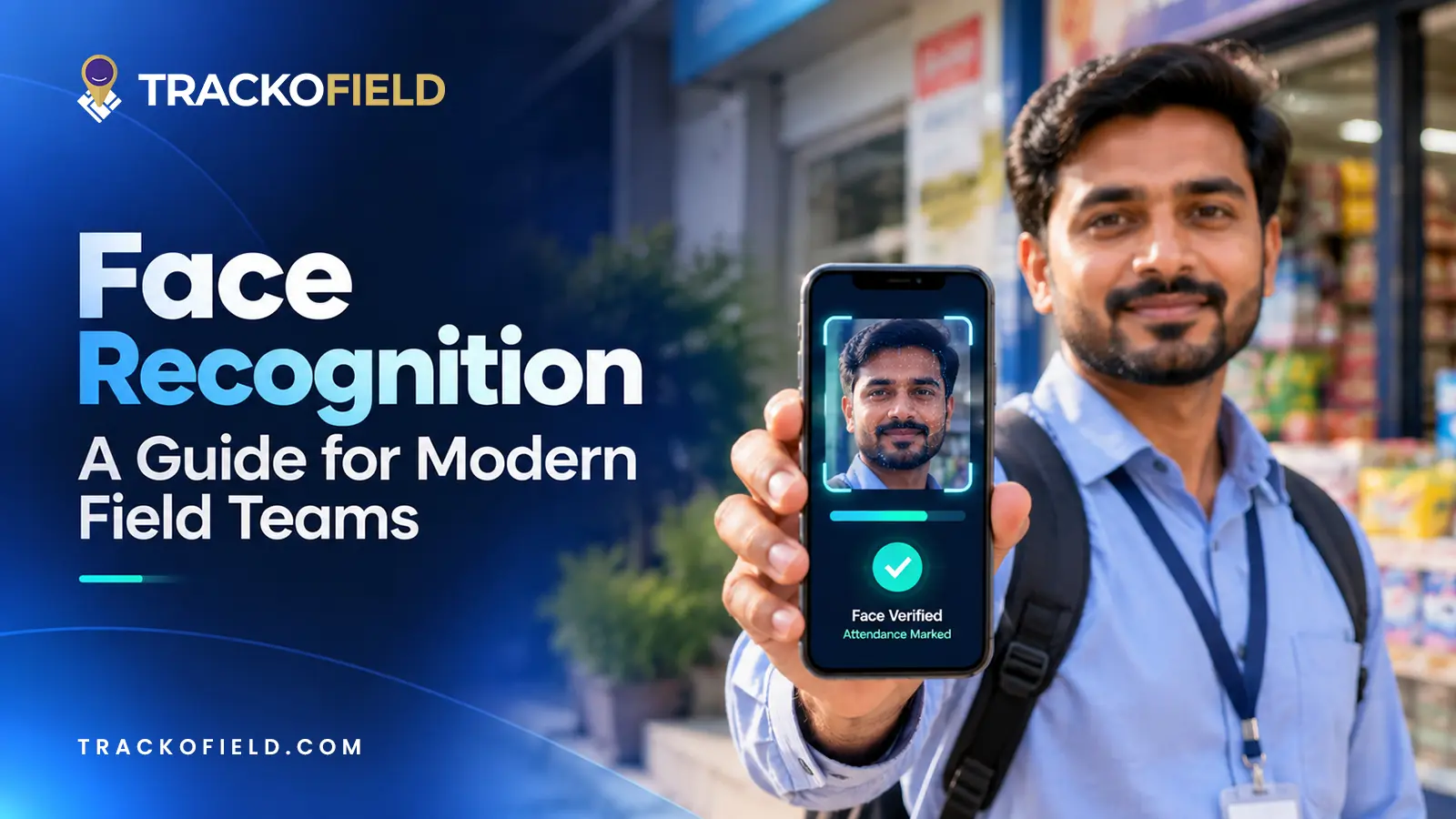
Face Recognition: What It Is, How It Works & Benefits for Field Teams
Facial recognition is a way of identifying or confirming an individual’s identity using their facial features. Read this guide to…
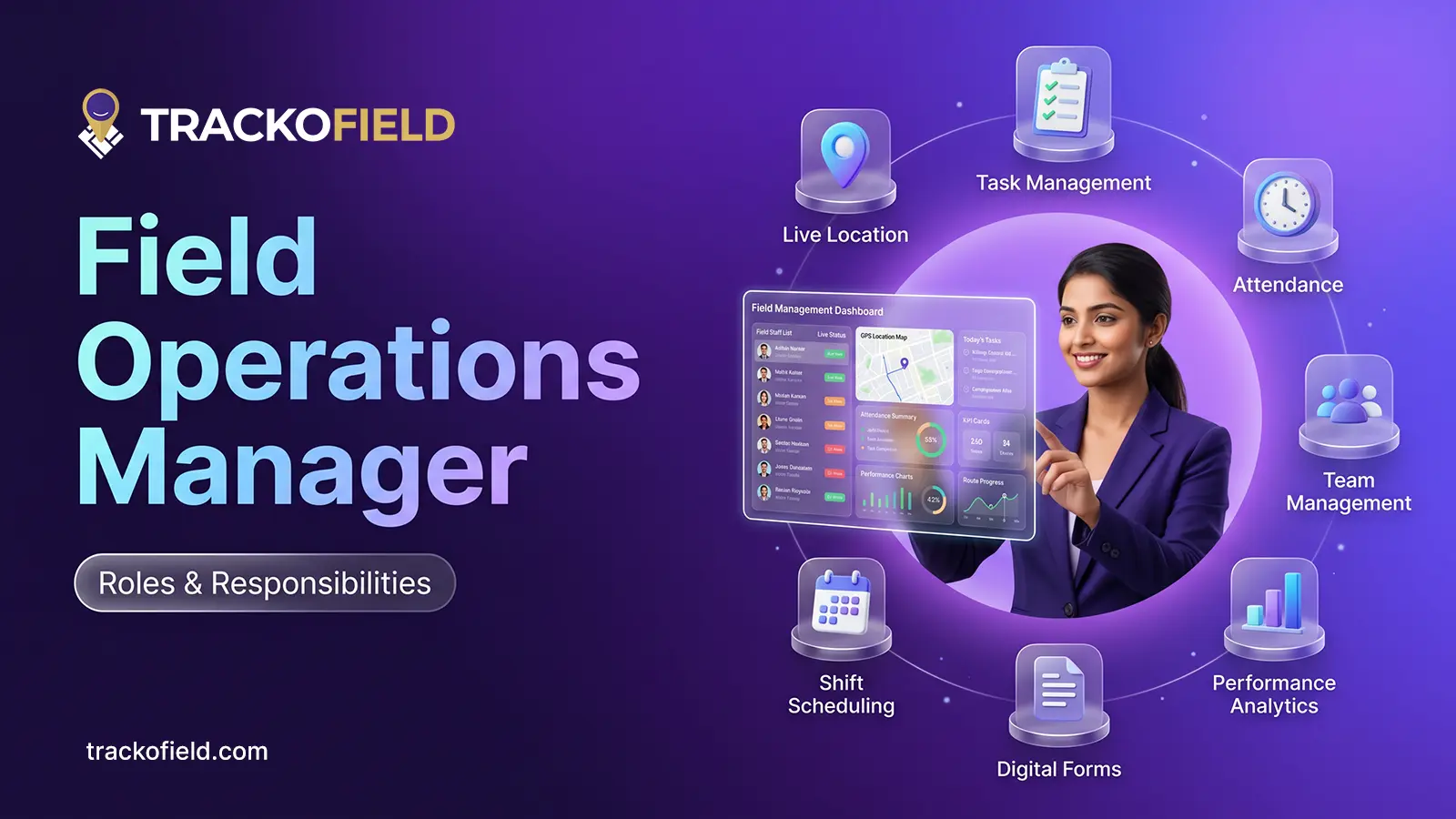
Field Operations Manager: Roles, Challenges & How to Optimize Performance
Field operations managers handle on-ground activities with challenges like visibility, control, and coordination. This blog covers their roles, key challenges,…
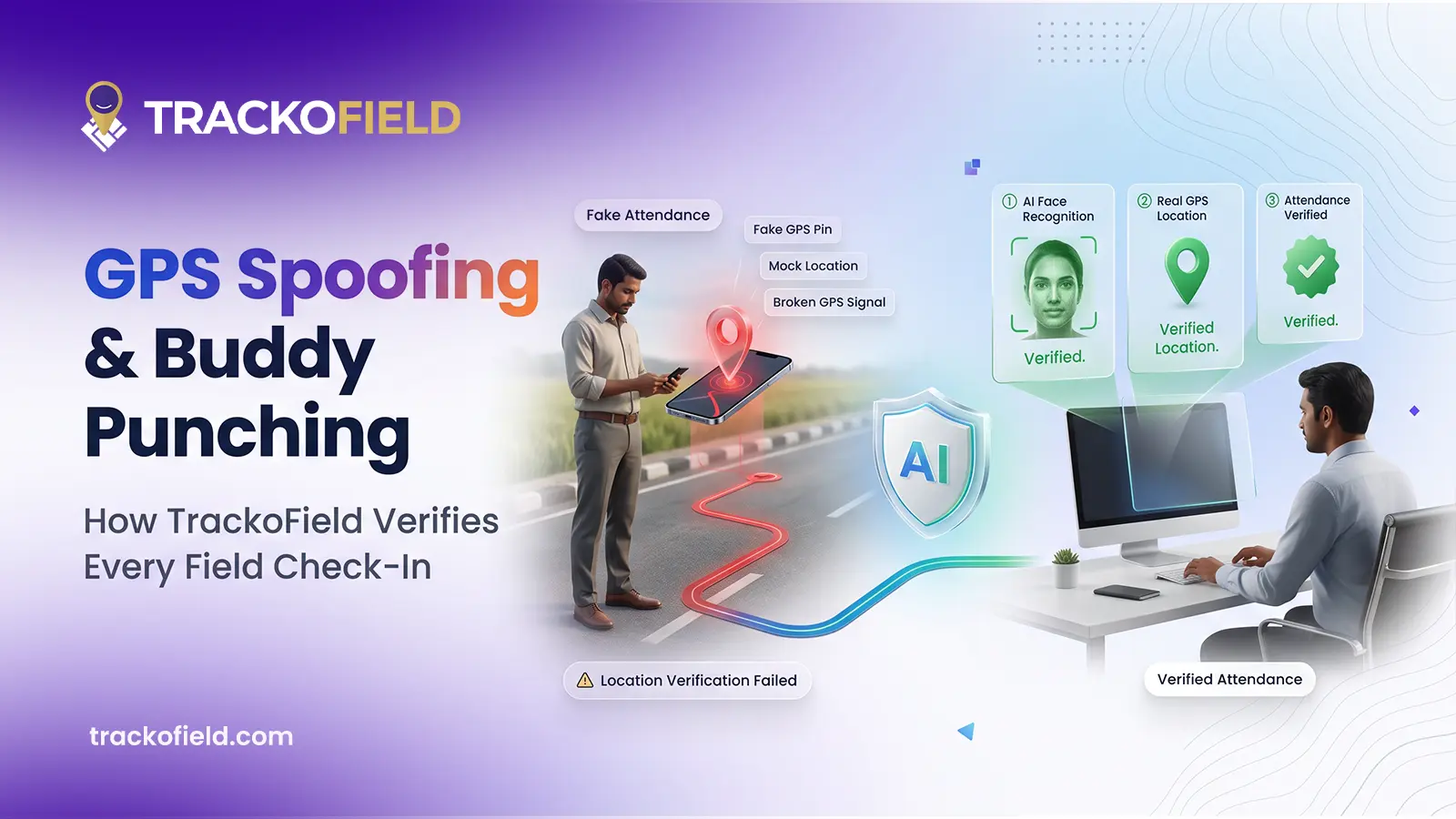
How TrackoField Stops GPS Spoofing and Buddy Punching in Field Teams
Your field team’s attendance data looks clean. The question worth asking is whether it’s real. Here’s how GPS spoofing actually…


Your inbox awaits a welcome email. Stay tuned for the latest blog updates & expert insights.
"While you're here, dive into some more reads or grab quick bites from our social platforms!"Stay Updated on tech, telematics and mobility. Don't miss out on the latest in the industry.