
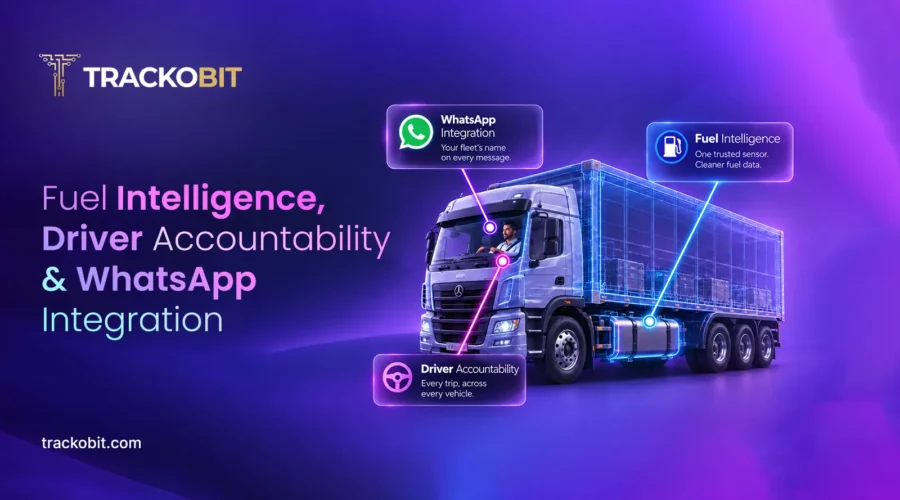
Fuel intelligence in fleet management is the use of sensor and telematics data to select accurate fuel sensors, filter road-induced fuel noise, report fuel use by distance, and track driver-wise trips.
A vehicle with four fuel tanks produces four different readings, and until now, TrackoBit picked one without asking. Fleet managers who knew their own hardware better than any default logic had no way to say otherwise. This release hands that decision back. It also rebuilds how driver performance gets reported, and whose name shows up when a fleet talks to its own people.
This is a bigger release than five features. But five carry it: trust in fuel data, a report that finally follows the driver, and a WhatsApp channel that speaks with a fleet’s own voice. Fleet managers get more say over data they already own, and channels they already use.
Fuel Intelligence: One Sensor to Trust, Everywhere
A platform that guesses which fuel sensor to believe isn’t giving fleets data. It’s giving them a starting point for an argument.
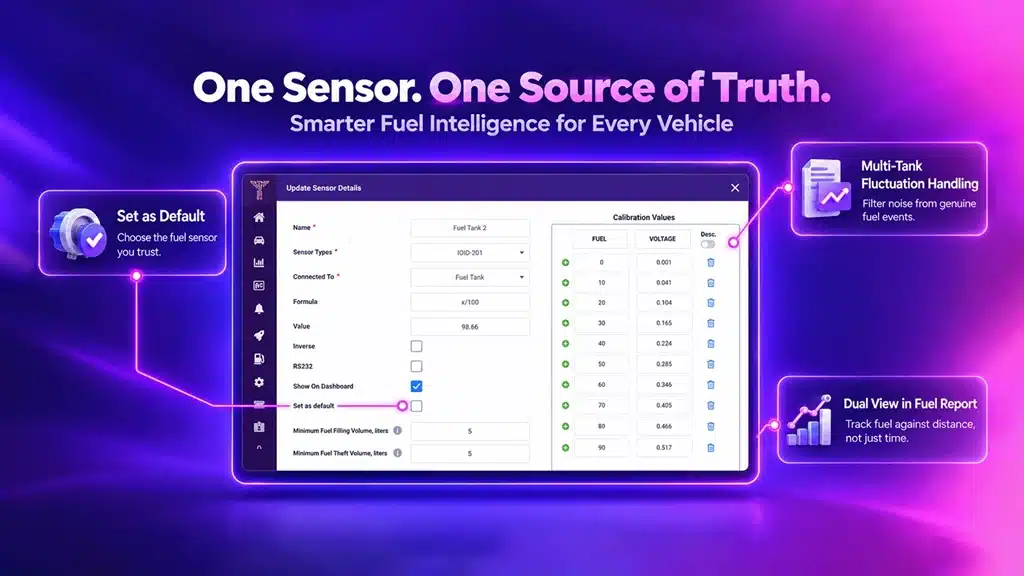
One trusted sensor. Clearer fuel intelligence.
Set as Default: Choosing the Source of Truth
Every vehicle in a fleet carries its own fuel sensors, and no two vehicles are configured the same way. Fleet managers now go into a vehicle’s Sensors settings and set which sensor should count as default, per vehicle, based on which one they trust for that specific asset. Once that’s set, the choice holds everywhere, the Vehicle Information Dialog, every fuel report, the marker card inside Vehicle Playback.
Change it once, per vehicle, and it’s right on every screen that touches that vehicle’s fuel data. No more checking four places to find out which reading is the real one.
Multi-Tank Fluctuation Handling
Fuel sensors don’t sit in a lab. They sit inside a tank, on a vehicle, on roads that shake, tilt, and jolt the fuel around with every pothole. That movement alone can look like a fuel event, a sudden rise or drop that has nothing to do with an actual fill or drain. Multi-tank vehicles feel this more than most, because more sensors means more chances for road-induced noise to get logged as something it isn’t.
New fluctuation handling logic now filters that noise out. Ordinary movement from rough roads or minor level changes no longer gets flagged as a genuine fuel event, so what shows up on the report is an actual change in fuel, not a bump in the road.
Dual View in Fuel Report
Time never explains fuel the way distance does. Fuel Report now supports the same dual view already built for Temperature vs Distance, capturing fuel readings against the vehicle’s actual route rather than just the clock. A consumption spike that shows up at a specific point on the map tells a fleet manager something a time-based chart never could, whether it happened on a stretch of bad road, during a stop, or somewhere worth investigating.
Configuration, accuracy, and analysis used to be three separate fixes. They’re one fuel strategy now, built around a single trusted sensor per vehicle, not three patches applied in three different places.
Driver Trip Report: Reporting That Follows the Driver
Fleet reporting has always belonged to the vehicle. Pull a report, get that vehicle’s trips. Move a driver to a different vehicle, and their history disappears into someone else’s report.
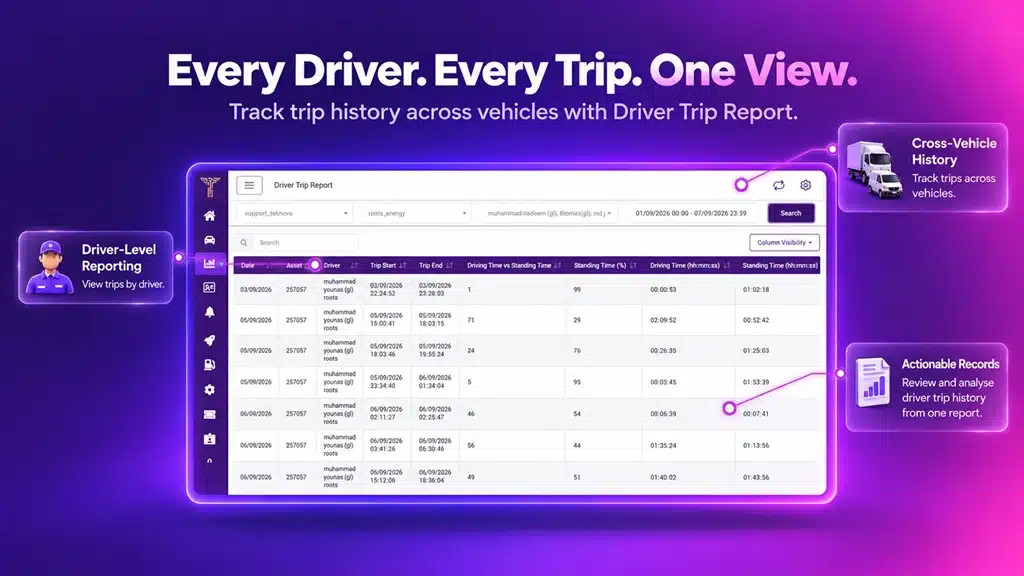
One driver’s trip history, across vehicles.
Driver Trip Report ends that. Pull by driver now, not just by vehicle, and every trip they’ve run, across every vehicle they’ve touched, shows up in one place. One driver or several at once, Excel or PDF, whichever the moment demands.
A driver’s record shouldn’t depend on which seat they happened to be in.
WhatsApp API Integration: Communication Under Your Own Name
WhatsApp communication has always carried one shared identity; drivers and customers saw the same sender’s name regardless of which fleet they were actually working with. A message from a fleet in Mumbai looked identical to a message from a fleet in Manila, because both ran through the same generic sender.
That changes with a new WhatsApp API Integration Module, built on dynamic provider configuration, the same architecture already powering the Client SMS API module. Fleets can now set up their WhatsApp account under their own brand name, so every message reaches drivers and customers as coming from the business they actually recognise, not a name that means nothing to them.
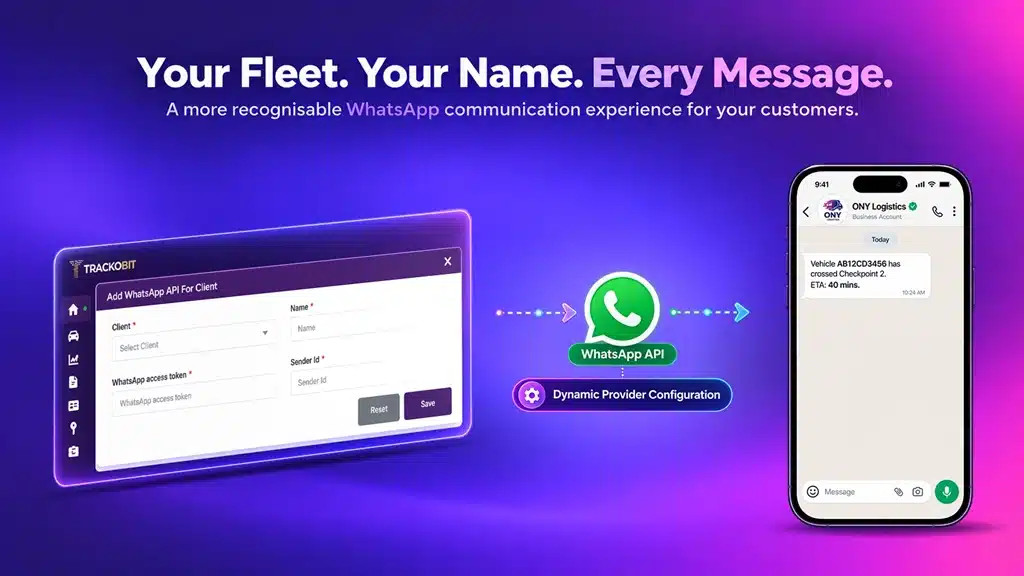
Your brand stays visible beyond the dashboard.
What This Release Changes, Practically
- Fuel data stops needing a second opinion. A trusted sensor per vehicle, cleaner multi-tank readings, a distance-based view, three reasons to act on the number the first time you see it.
- A driver’s case builds itself. One report, not a manual reconstruction from vehicle logs, stitched together after the fact.
- A fleet’s name finally travels with its messages. No more sharing a sender identity with every other client on the platform.
- Integrators inherit a pattern they already know. WhatsApp now runs on the same dynamic provider setup as SMS. Nothing to rebuild, nothing to relearn.
- A fleet manager who already reads Temperature Vs Distance doesn’t need to learn Fuel vs. Distance. It’s the same chart, answering a different question.
Why Fuel Data Accuracy and Driver Reporting Matter for Fleets
Fuel and driver performance are the two numbers every fleet manager gets asked to defend, to a client, an auditor, their own board. This release sharpens both. Trust your sensor, per vehicle, and multi-tank readings stop needing a second look, even on the roughest routes in the fleet. Pull one driver’s full record, and the argument makes itself.
Set as Default exists because a fleet manager shouldn’t have to guess which number is real. Driver Trip Report exists because a fleet-wide summary was never built to answer a question about one person. WhatsApp integration exists because a fleet talking to its own drivers shouldn’t sound like someone else.
Book a free demo with us to see how these capabilities work together.


Apoorva Raizada is the Content Marketing Manager at TrackoBit. With over a decade of experience across media, advertising, and B2B SaaS, she brings a sharp editorial mindset to technology-led business... Read More


Related Blog
7 Fleet Management Best Practices Every Fleet Manager Needs
Learn 7 fleet management best practices to improve safety, vehicle utilization, efficiency, and fleet performance in 2026.
What Are the Roles and Responsibilities of a Fleet Owner?
Behind every well-run fleet is a fleet owner juggling tasks like vehicle maintenance and driver management without letting anything fall…
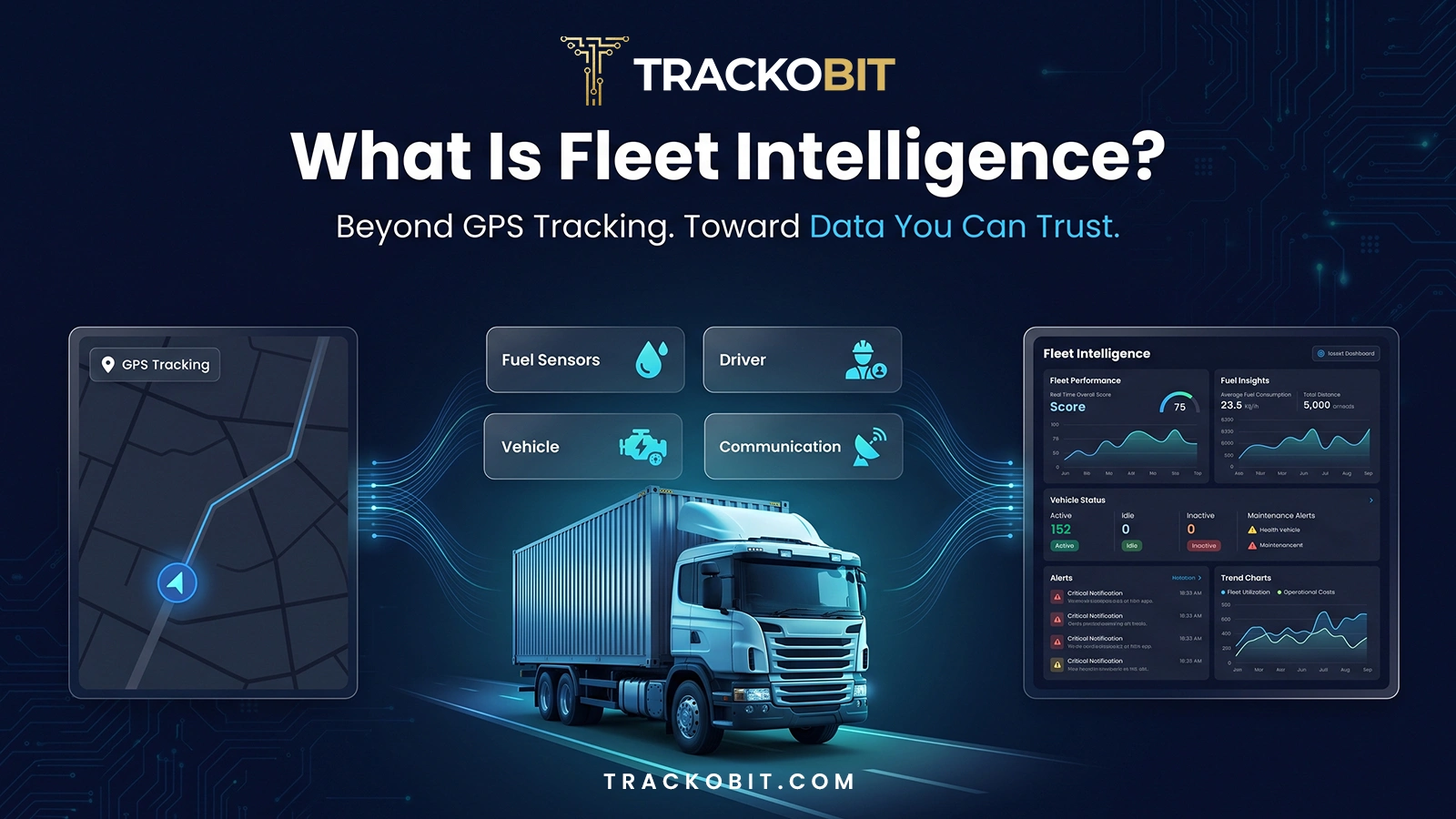
What Is Fleet Intelligence? TrackoBit Goes Beyond GPS Tracking
Fleet intelligence is the layer of trustworthy data, driver-level accountability, and consistent identity that sits above GPS tracking. It turns…
Fleet Monitoring: The Ultimate Guide (2026)
Fleet monitoring means using GPS, telematics, and software to track vehicles. This guide helps managers dive deeper into this ecosystem…


Your inbox awaits a welcome email. Stay tuned for the latest blog updates & expert insights.
"While you're here, dive into some more reads or grab quick bites from our social platforms!"Stay Updated on tech, telematics and mobility. Don't miss out on the latest in the industry.